
GloriaFood is a free online ordering system for restaurants. This documentation will show you how to connect Digital Rewards Cards (DRC) to GloriaFood. This integration allows you to sync customer data and order details from GloriaFood to DRC to automatically apply points and discounts to your customers’ loyalty cards.
You can use Stamp, Cashback, Discount, or Reward card types.
Note with Stamp and Reward cards: accrual should be done through the scanner, automatic accrual will not be done through the integration.
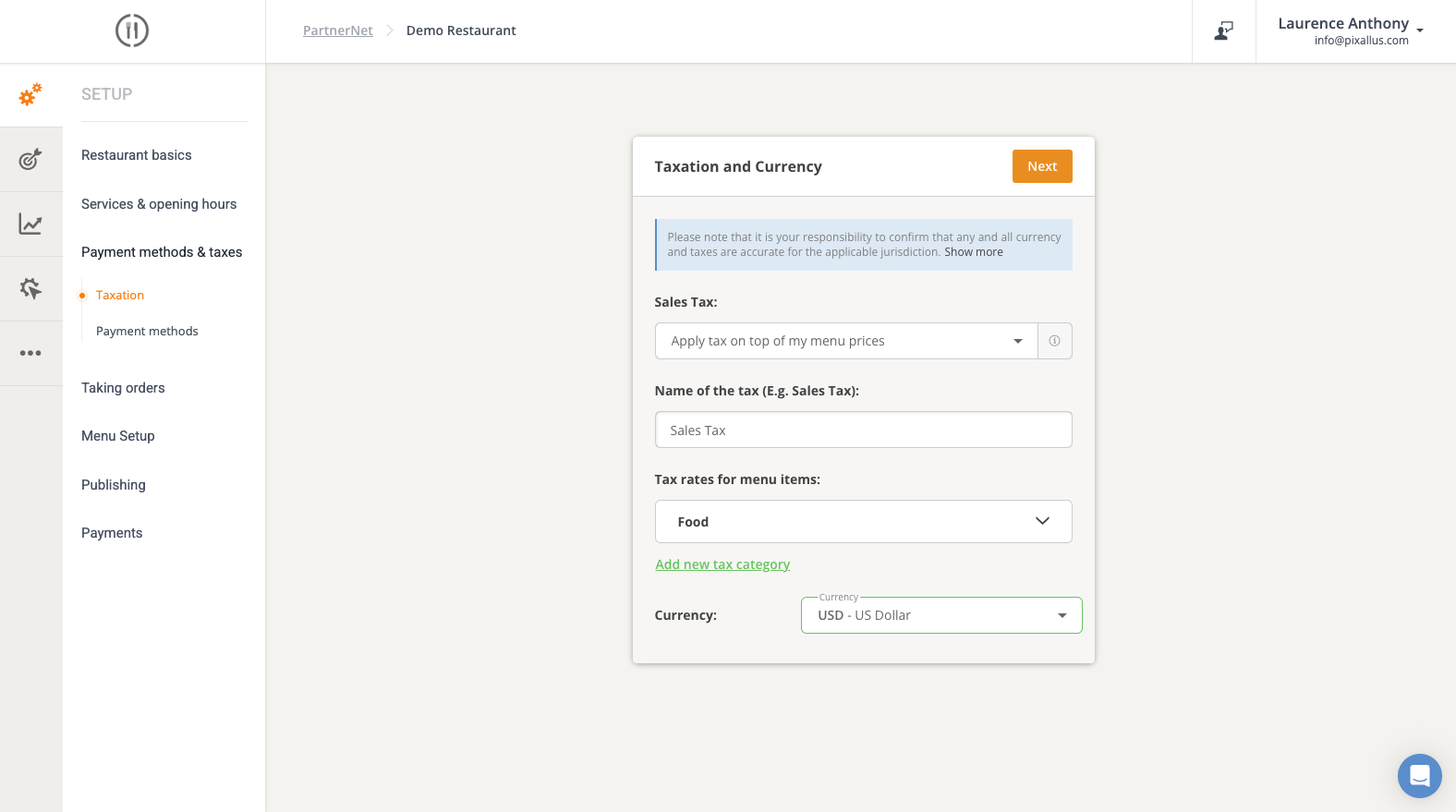
After logging into your GloriaFood account, click the Setup Button then the Taxation link. #
Please confirm your Currency is set to the same Currency in your DRC Profile and save changes. #
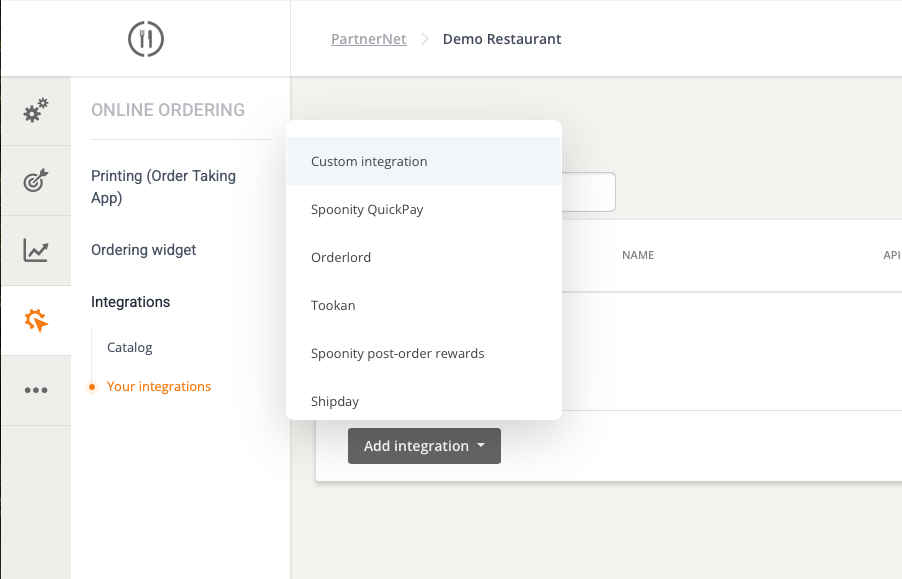
Now, let’s add the integration. First, click the Online Ordering button. #
Go to Your Integrations. Then click Custom Integration. #
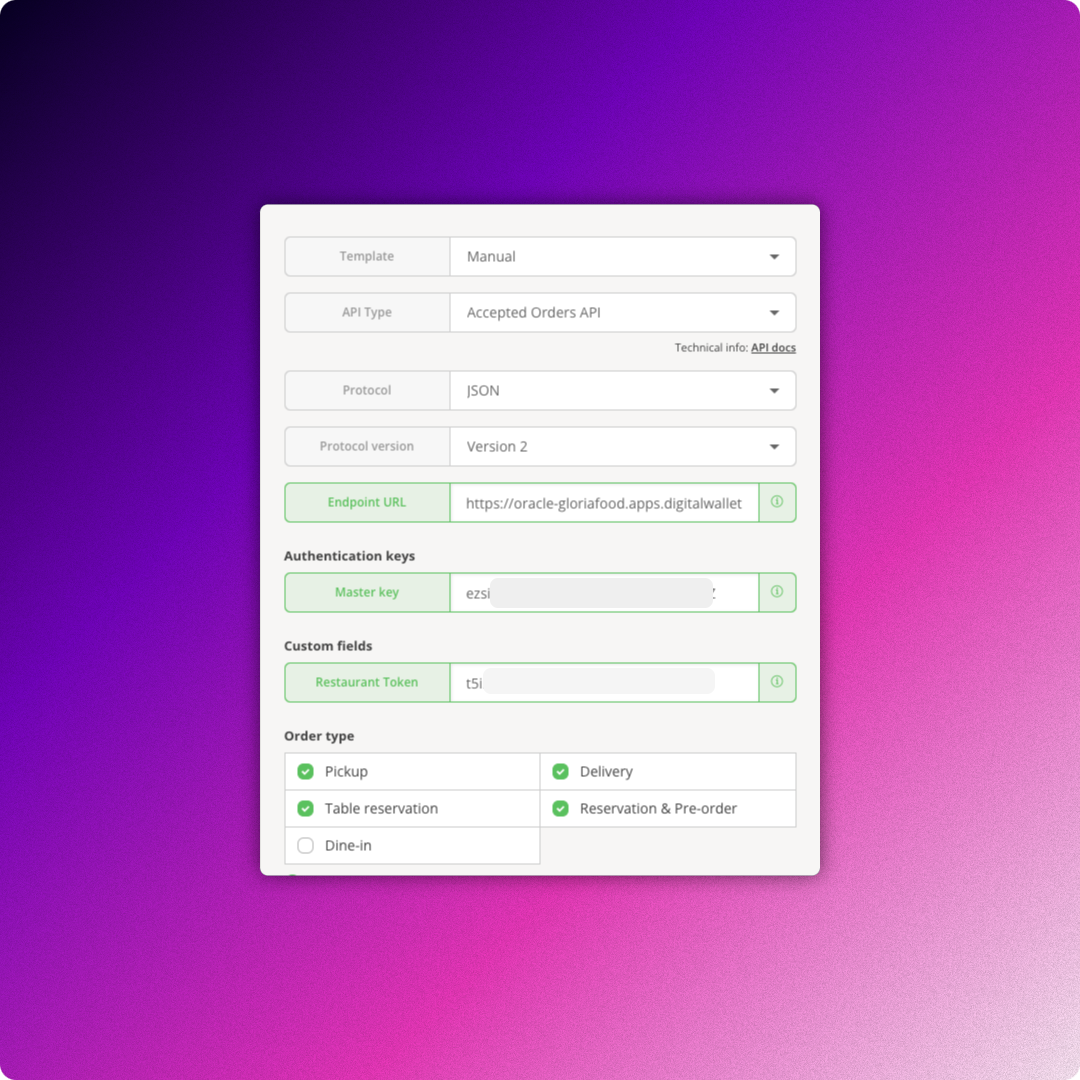
In the popup, add the endpoint url.
https://oracle-gloriafood.apps.digitalwallet.cards/on-order #
Then generate the Master Key and Restaurant Key.
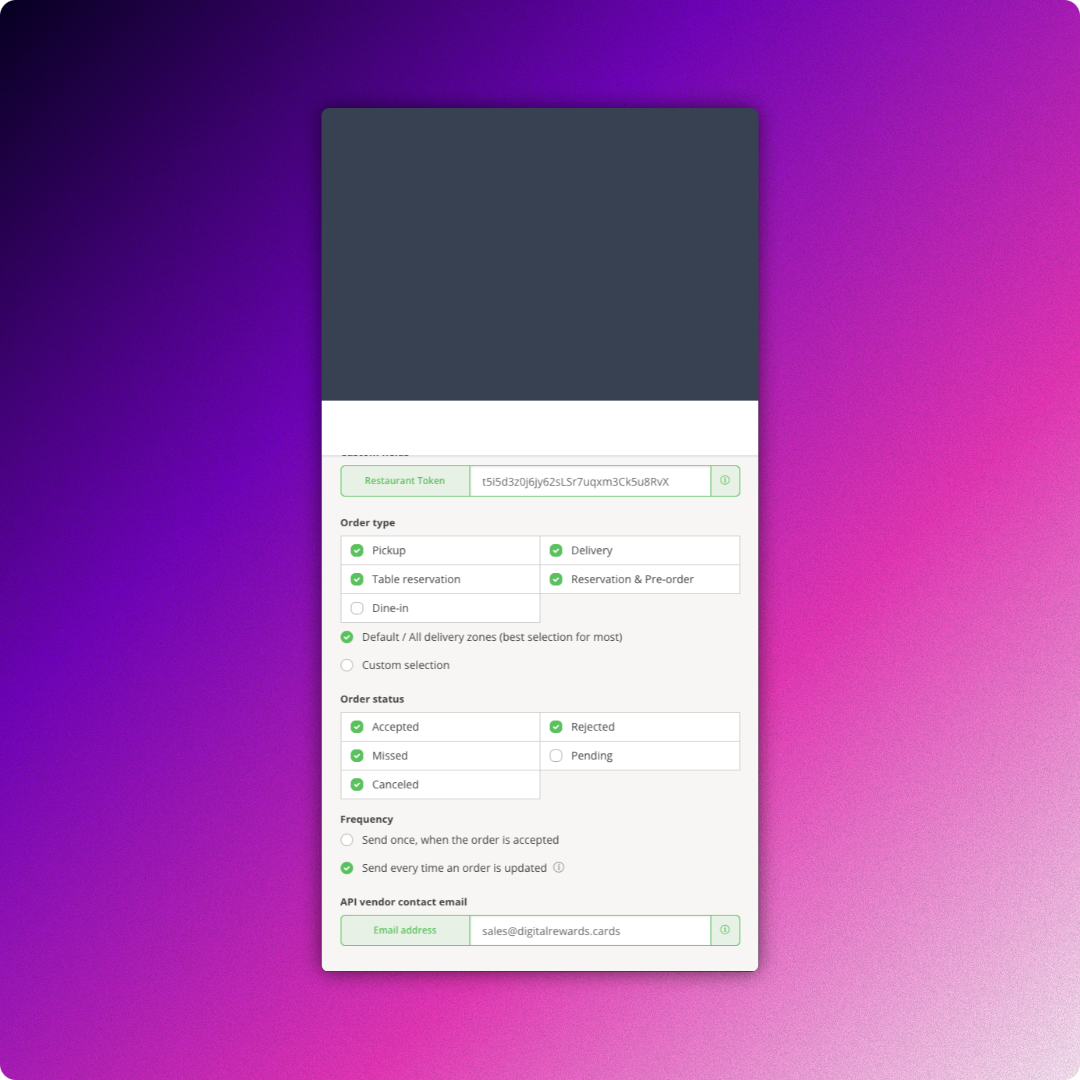
You can follow our settings for Order Type, Order Status, and Frequency. In ‘Email address‘ field enter Contact email of the API owner.
NOTE: If customers ask to have their personal details forgotten, a notification will be sent to this email address.
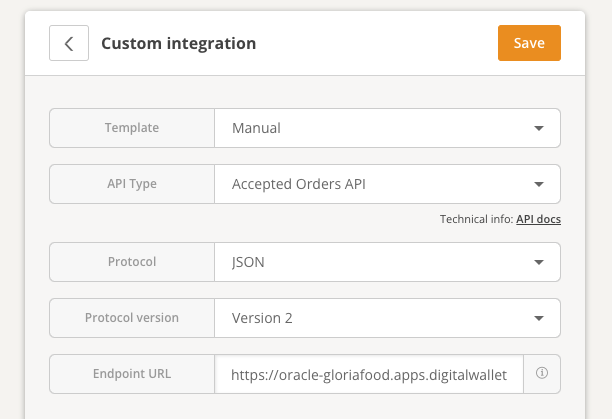
Now click the Save button, to save the integration. #
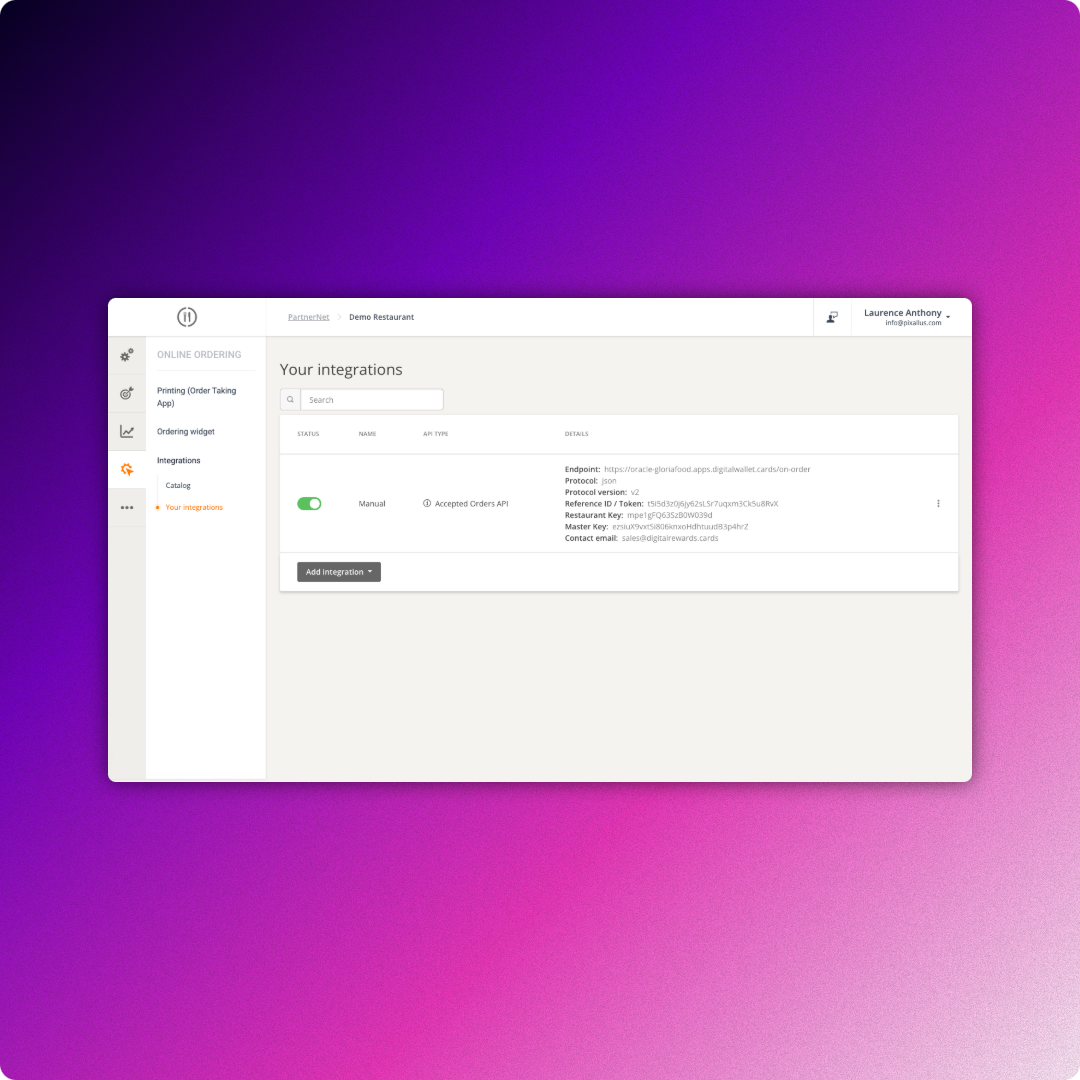
Make sure the toggle is enabled next to newly created integration with DRC. #
Now, login to your DRC account and click the Settings Button in the left-side toolbar. #
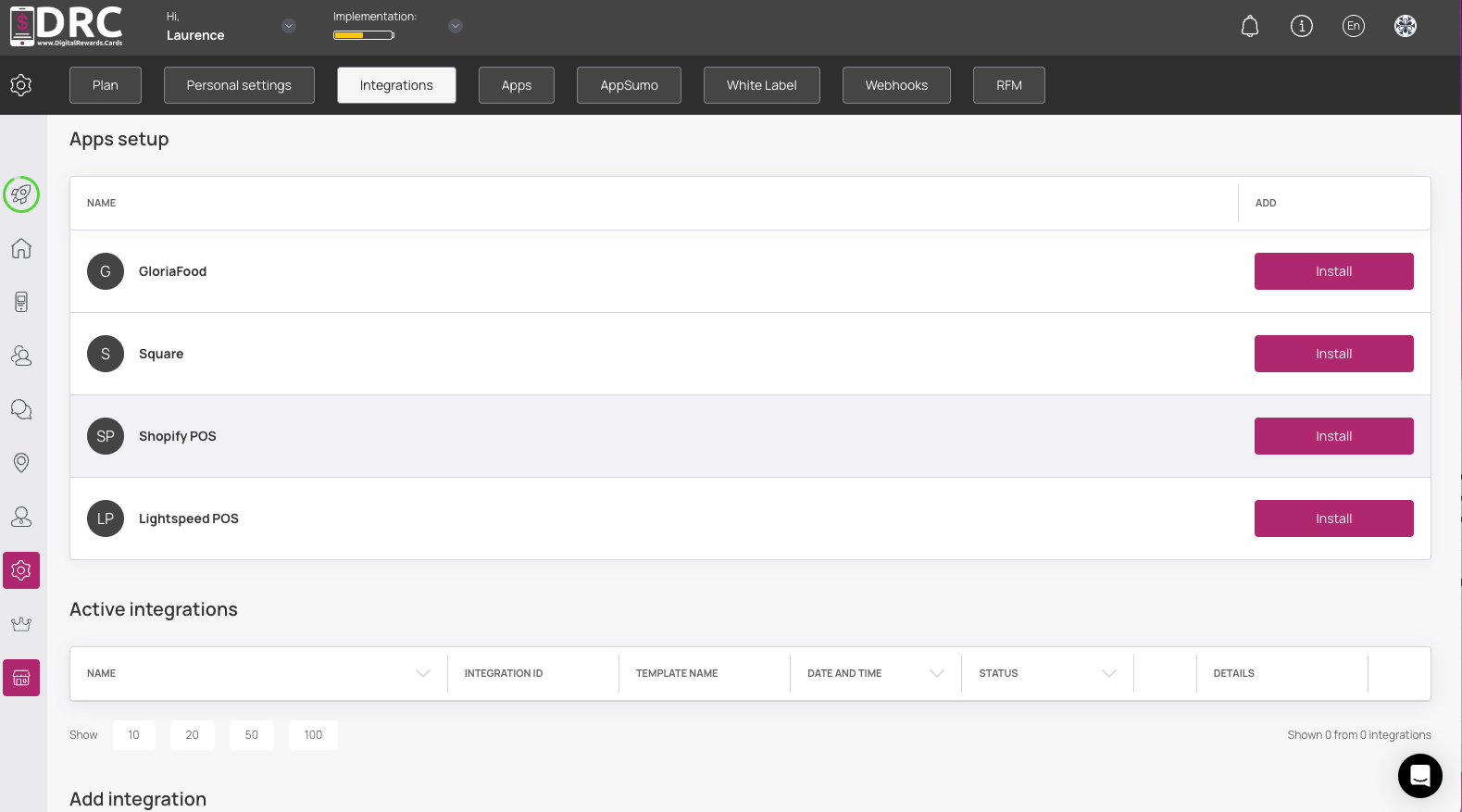
Then click the Integration link on the top tabs. #
Scroll down to GloriaFood. #
Then click the Install Button. #
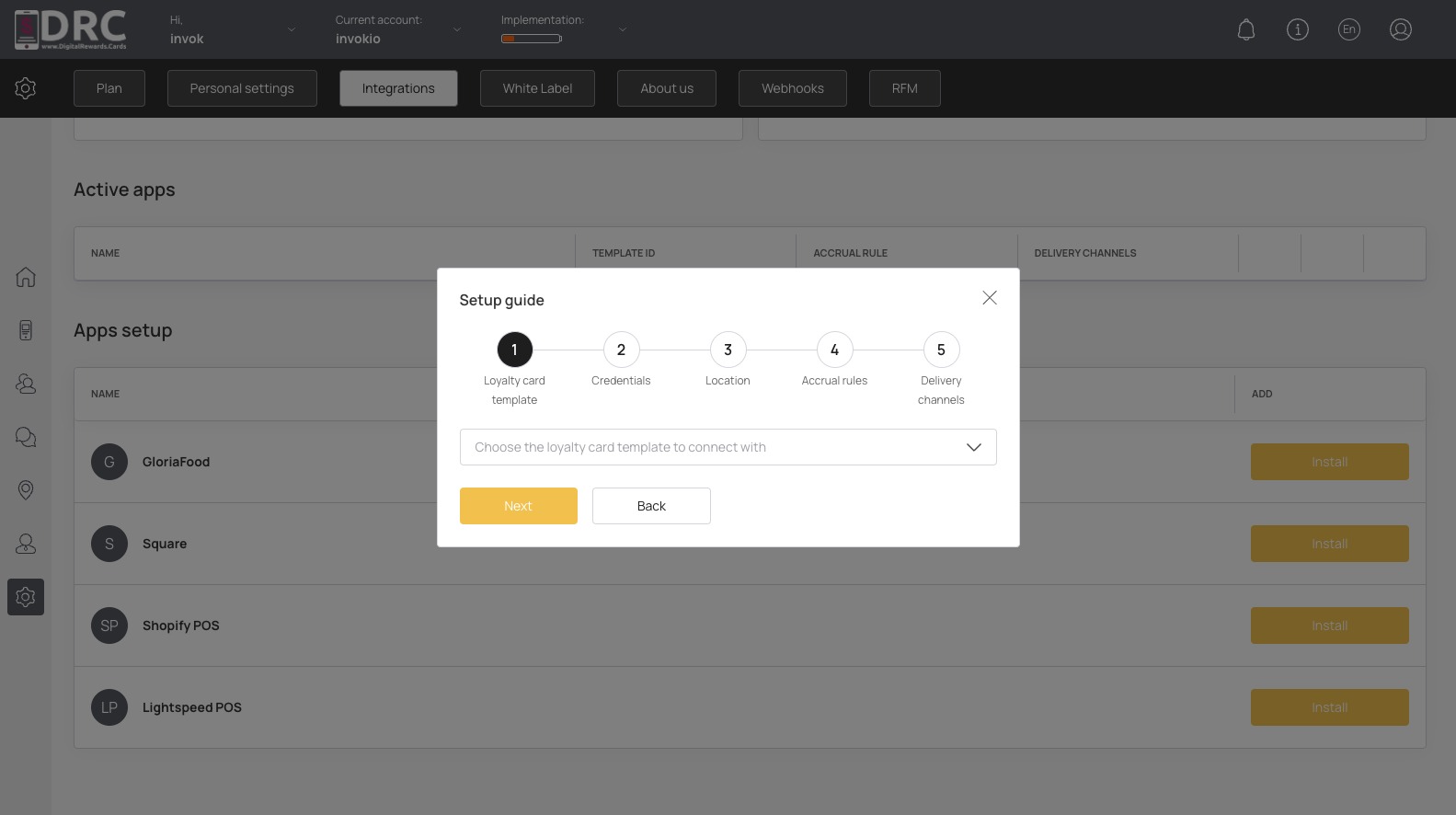
The Setup guide is launched. Be sure you have created your wallet cards already. #
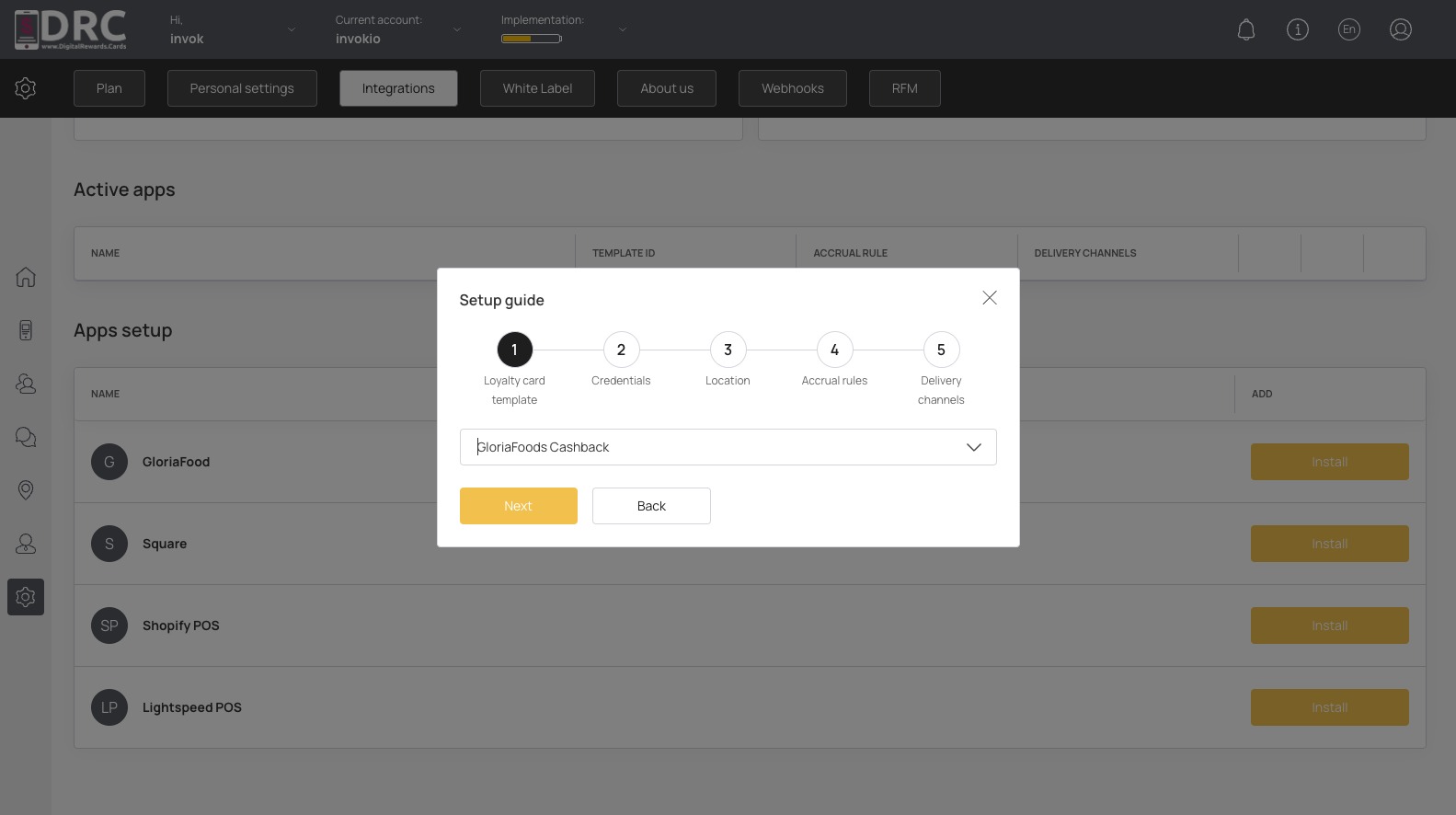
Select your desired card, then click the Next Button. #
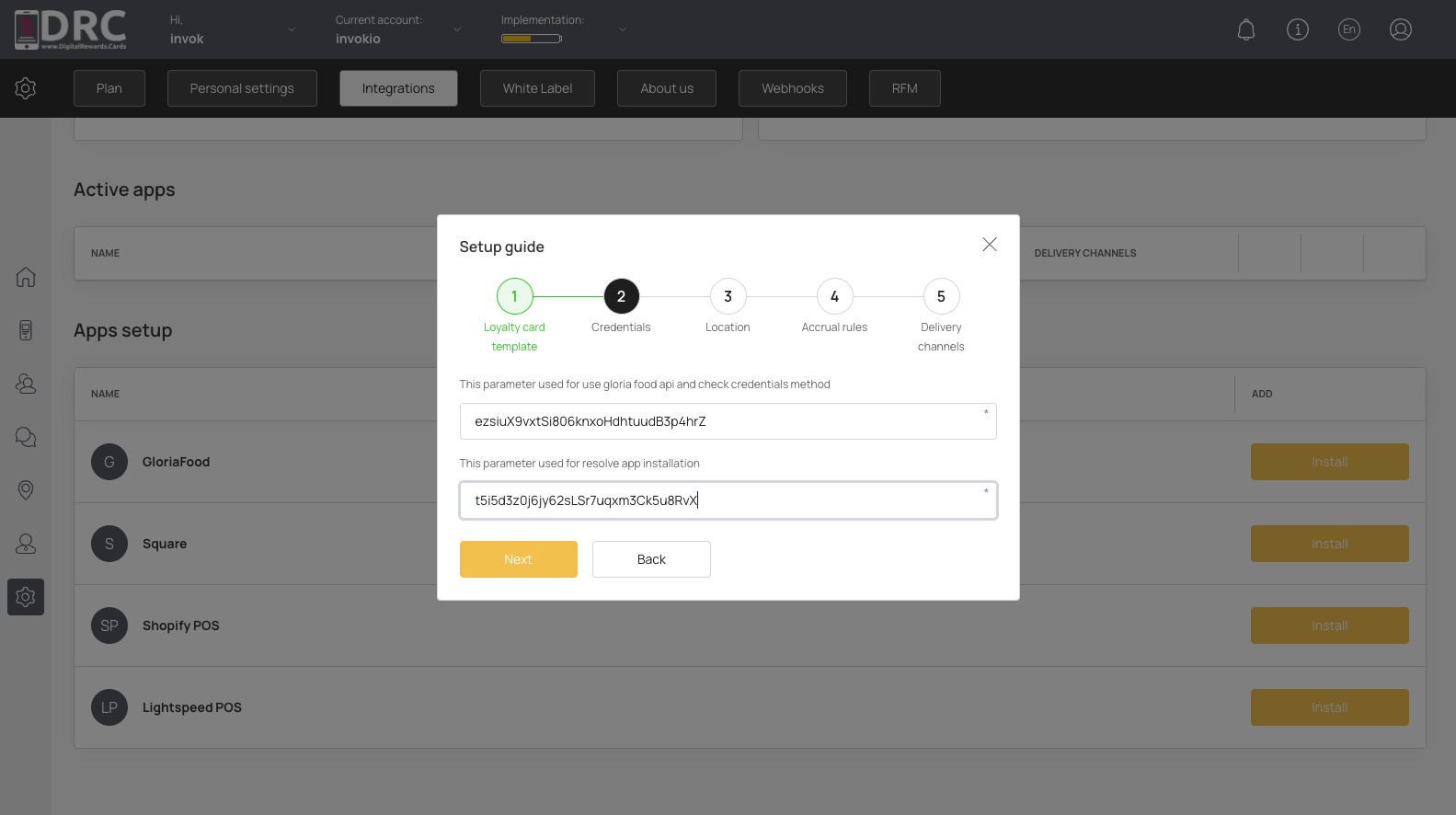
Now add your Restaurant Key and Token. Please note the Key is created after you saved the integration in GloriaFood. #
Now, click the Next Button #
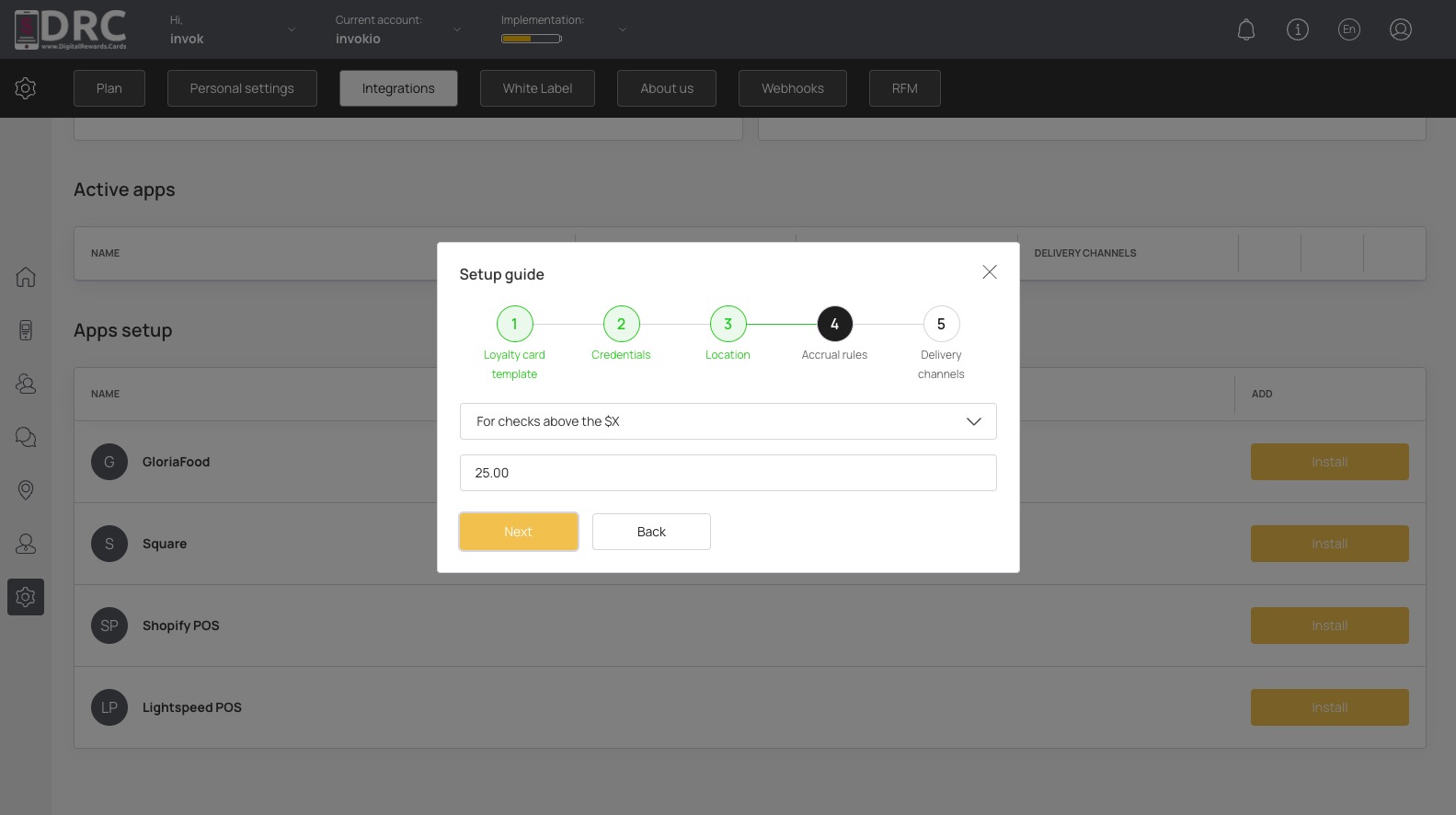
Now choose your Accrual Rules and minimum purchase amount. Then click the Next Button. #
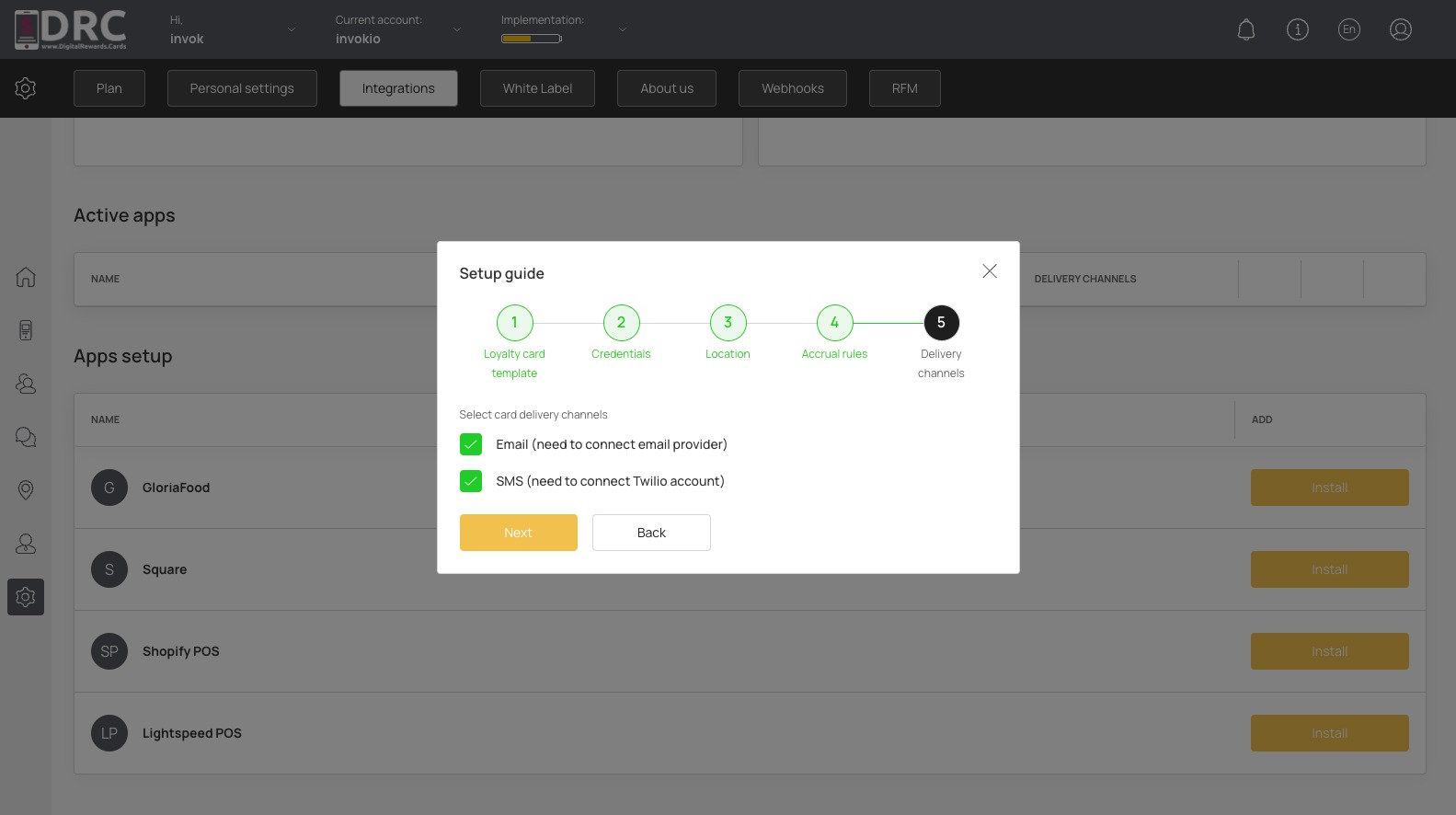
Lastly, set the delivery channels for the card installation link. Then click the Next Button. #
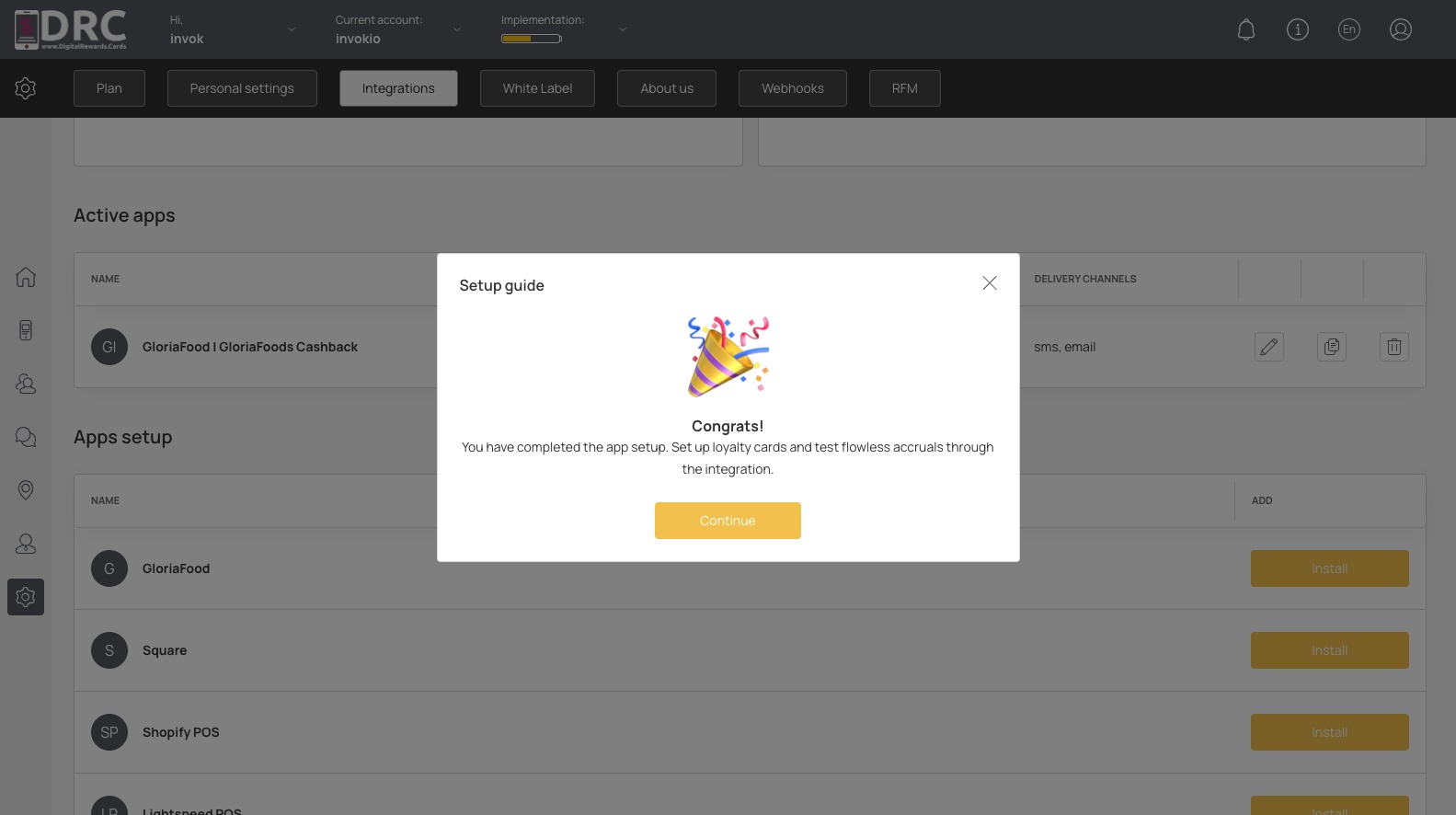
Your DRC account is now connected to your GloriaFood account. Click the Continue Button. #
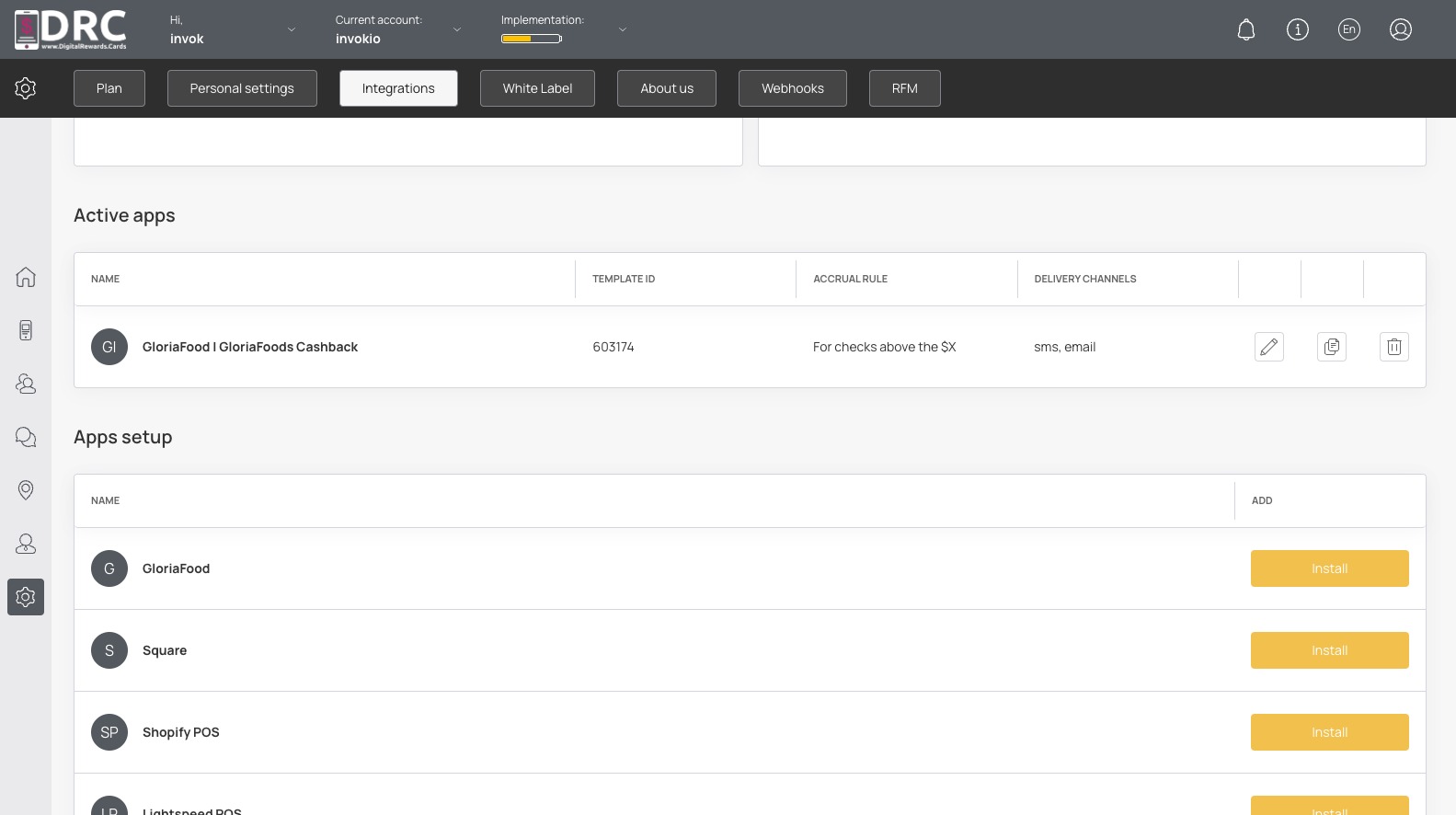
You can see GloriaFood is now an active app. #
Now you can place a test order in GloriaFood. As the order is accepted, the order details will be transferred to DRC.
If the customer with this phone number and email has already installed the loyalty card, they will be awarded points.
If the customer has not installed the loyalty card, they will be created and the card will be issued.
If an order is canceled, the points will be deducted from the card.