Viewing and Managing Customers #
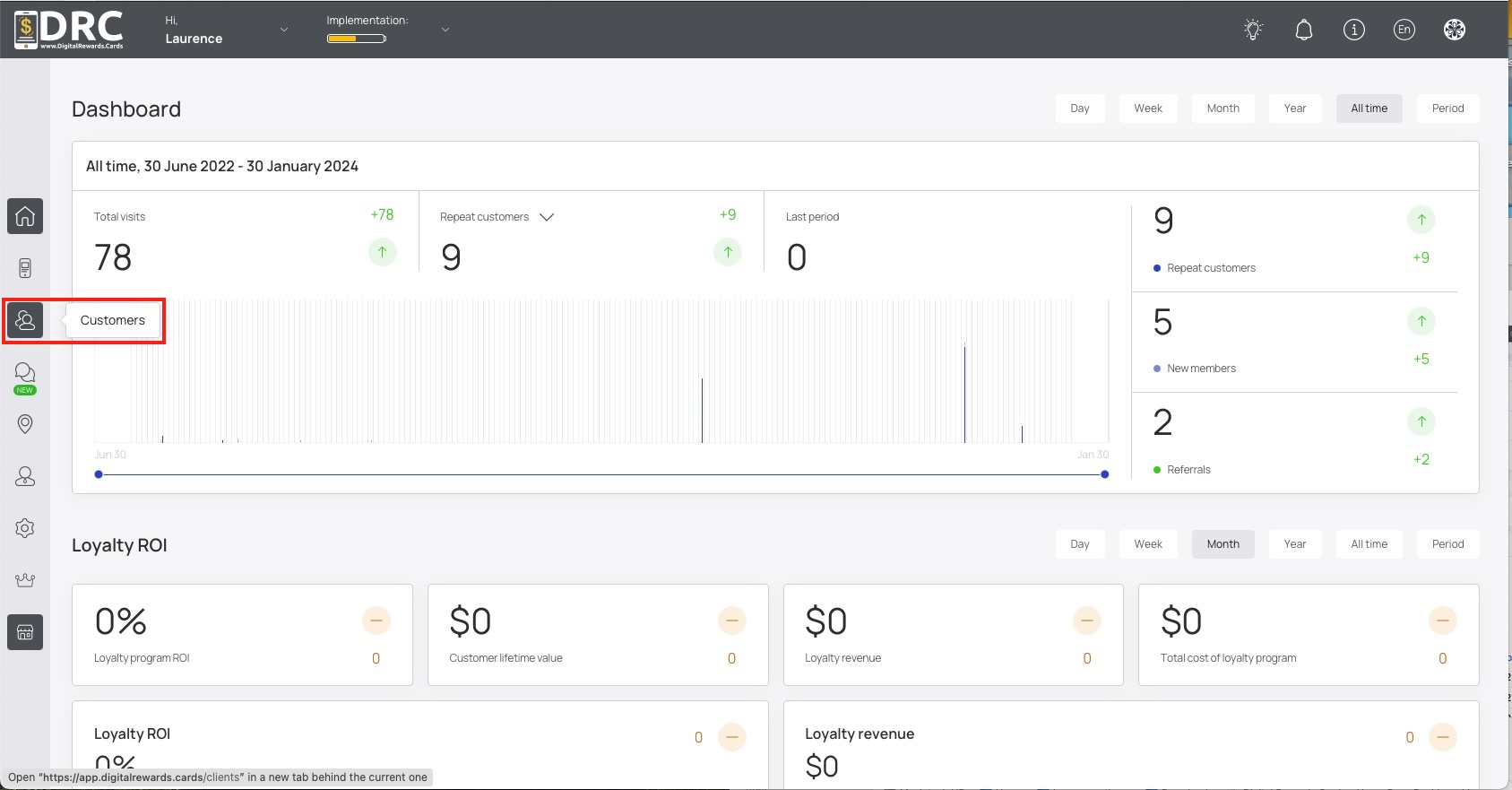
Upon successful login, click the Customers icon in the left sidebar. #
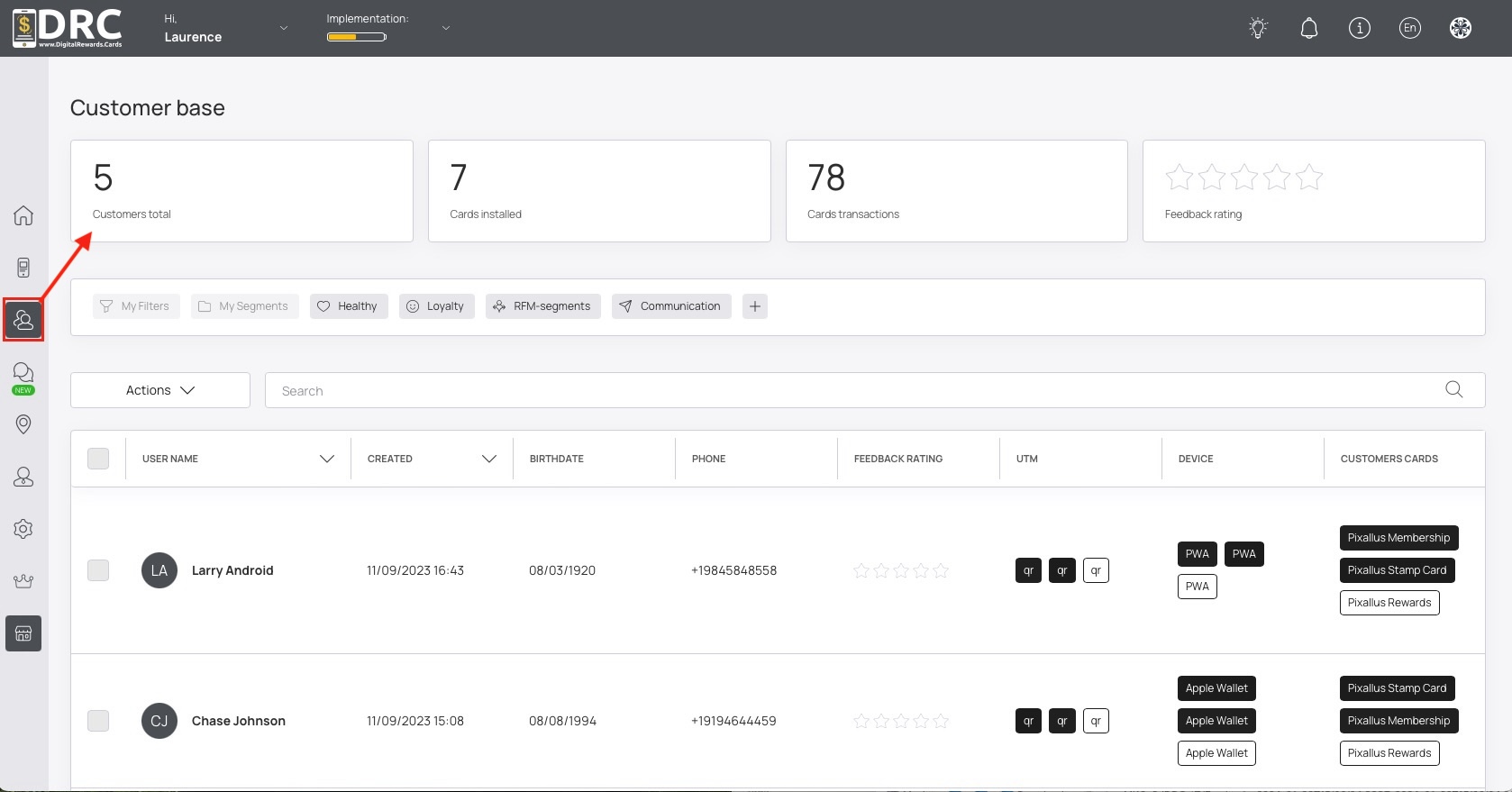
The screen displays the Customer base heading and 4 tiles showing total customers, card transactions, reviews, and feedback rating. #
#
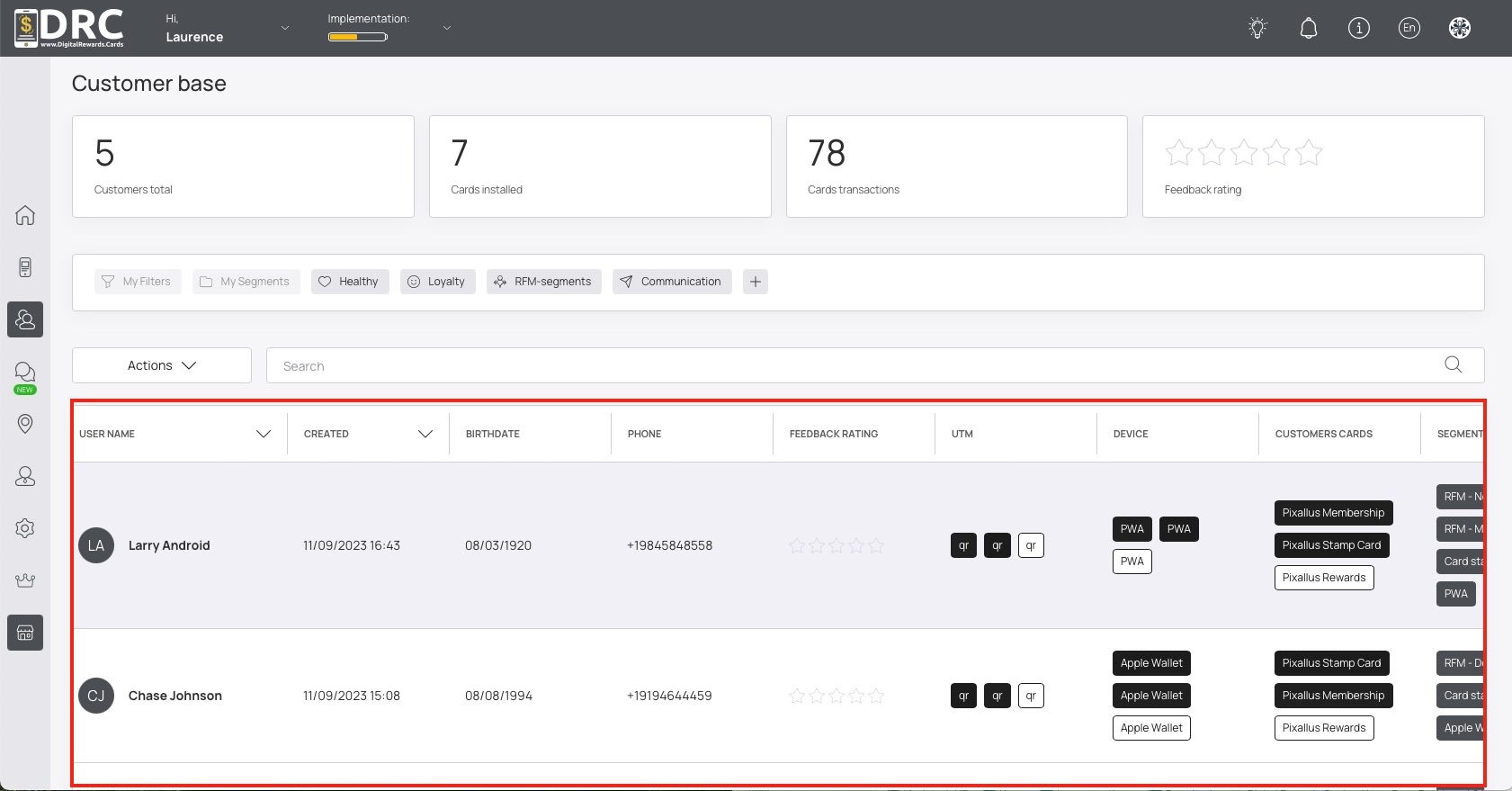
The customers list displays information for each customer in columns such as User Name, Device, Customer Cards, Custom Fields and more. #
You can scroll left and right to see more information in list. #
Click on any customer to view their complete profile. #
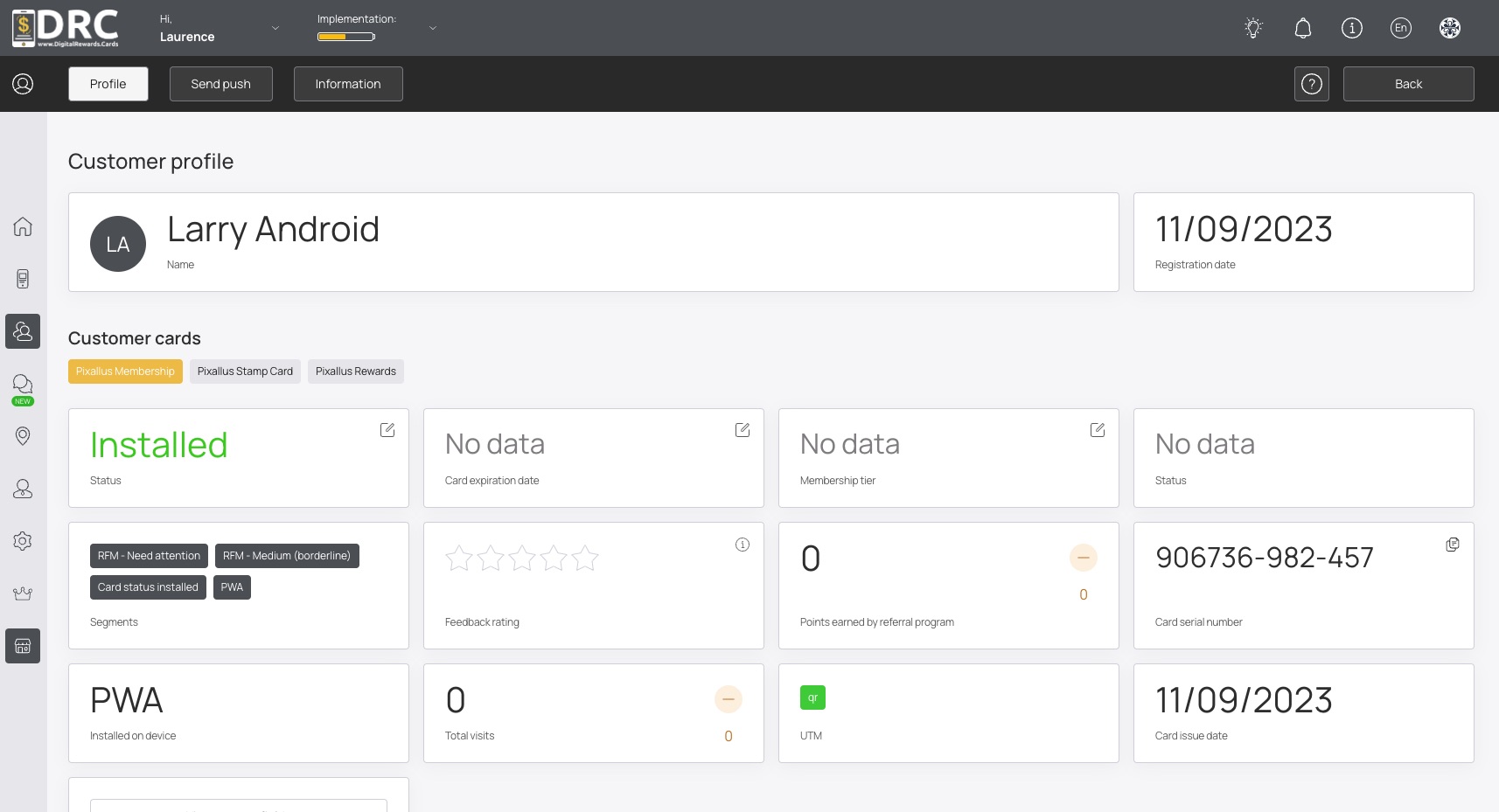
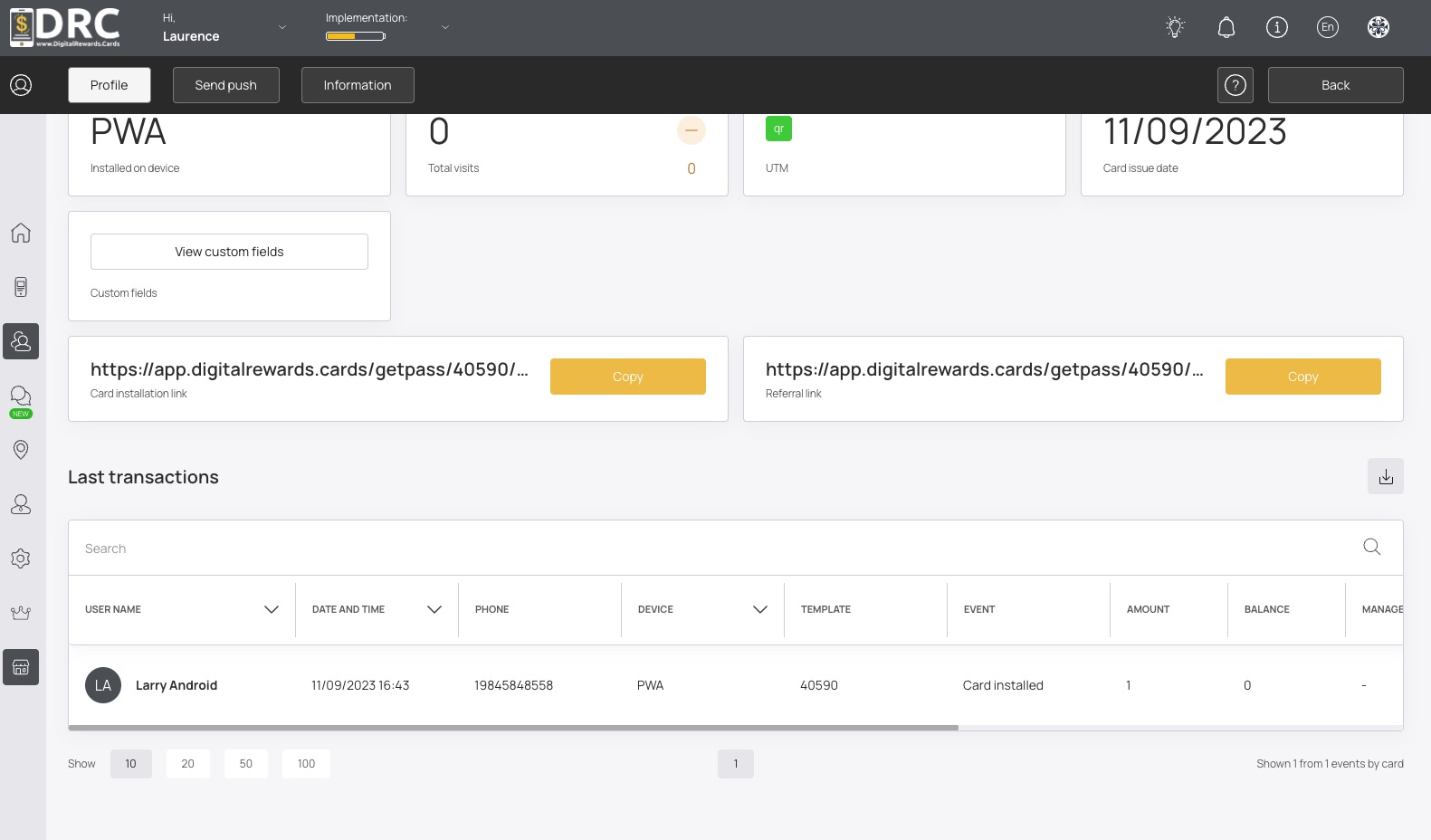
The customer profile screen displays all relevant information including installed cards, points, rewards, visits, transactions, and more. #
#