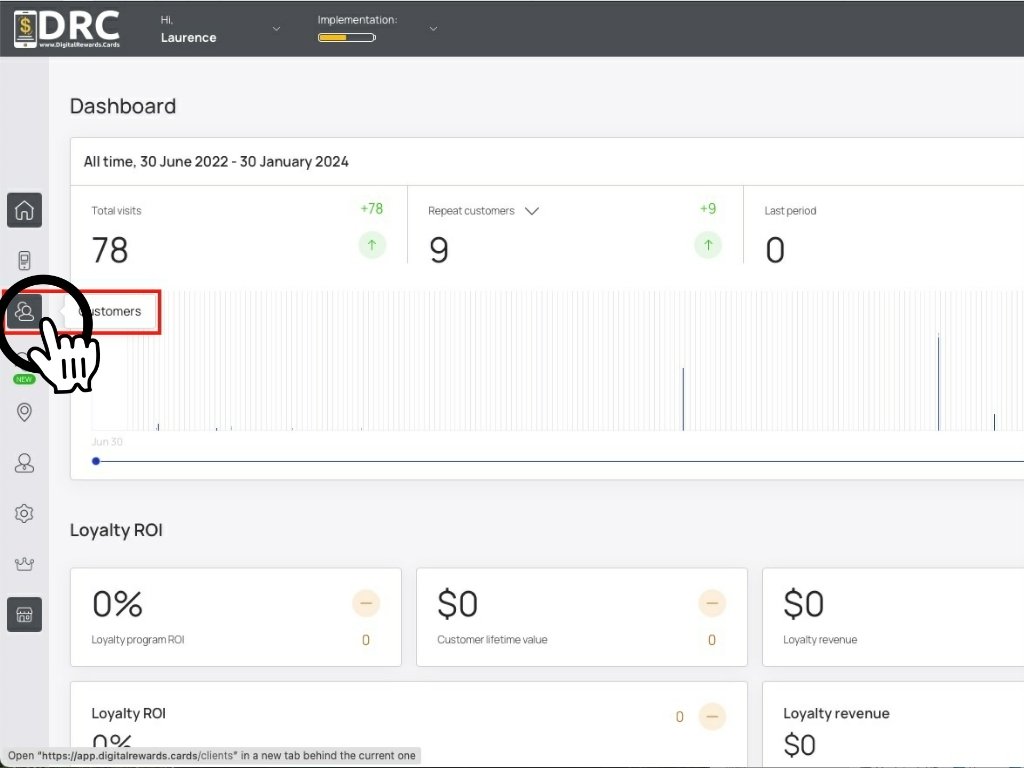
Once logged into the dashboard, click the Customers icon. #
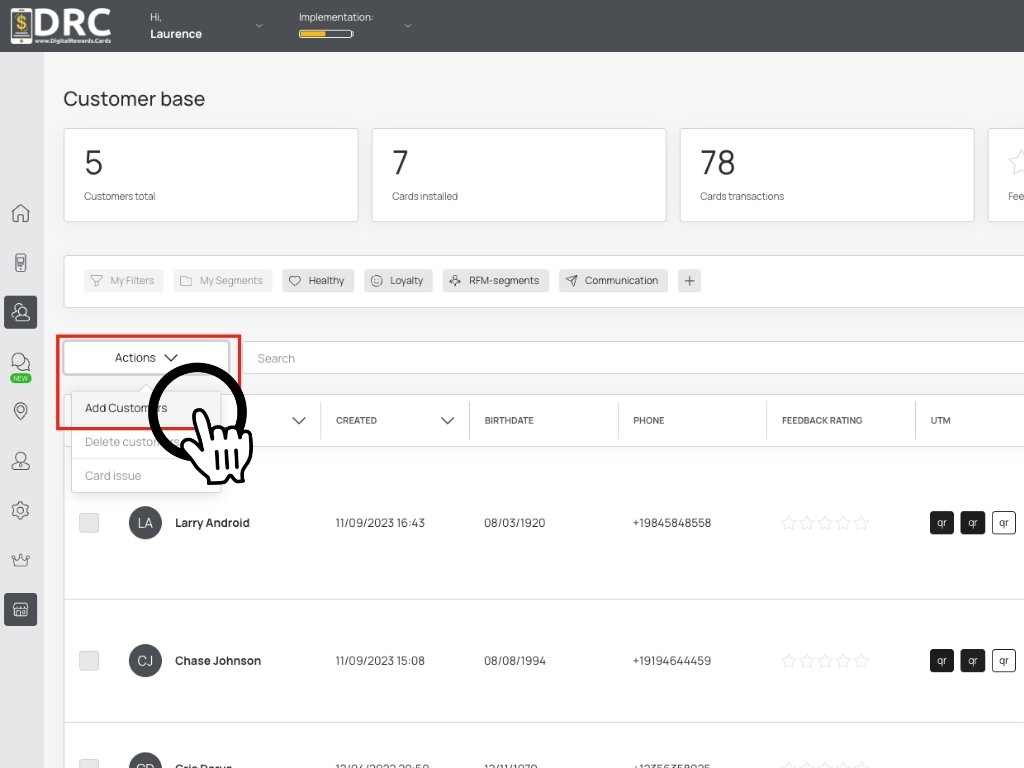
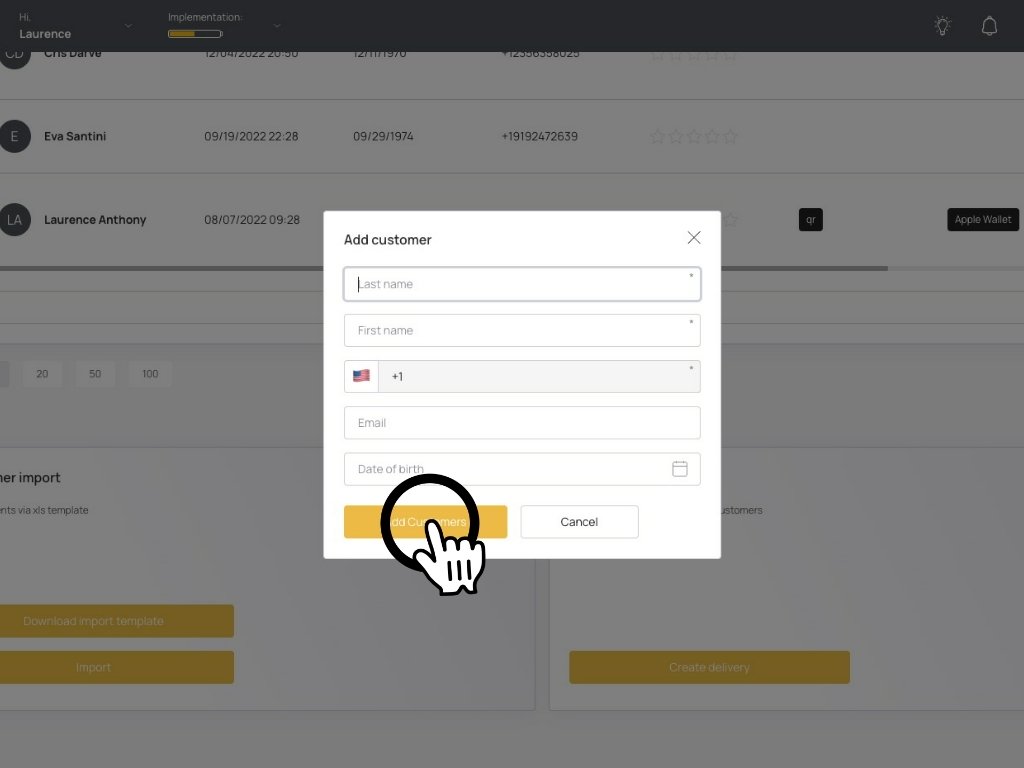
Scroll down and click on the Add Customers screen. #
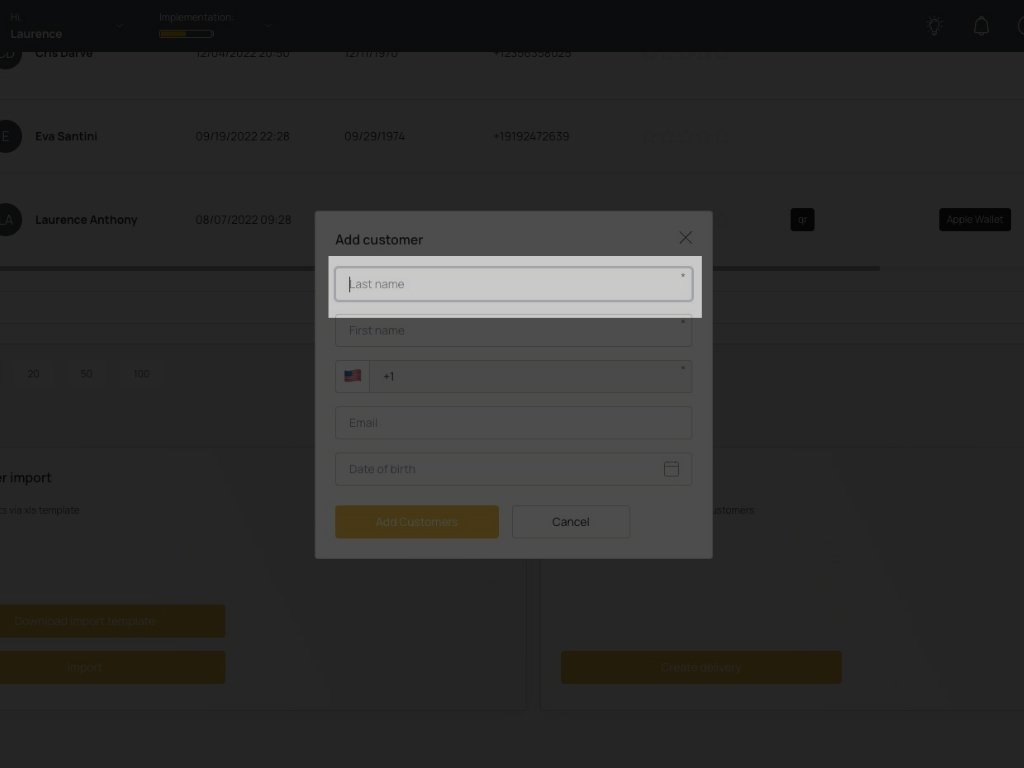
Add customer’s last name. #
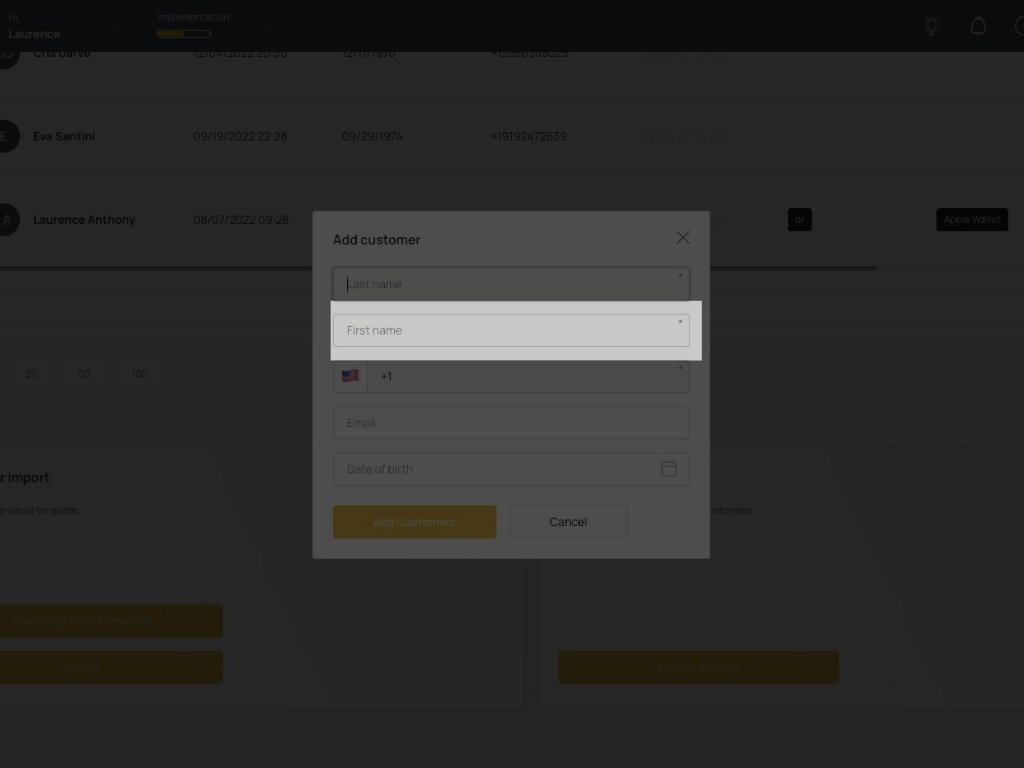
Add customer’s first name. #
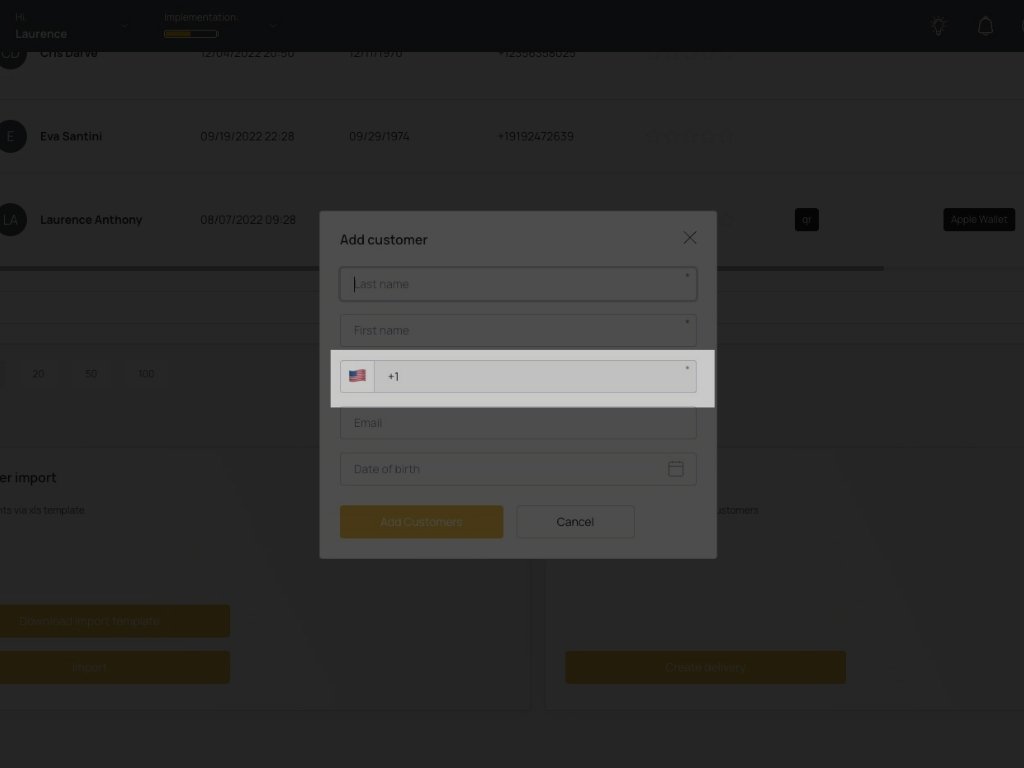
Add customer’s cell phone number. This field is unique and should be required for all customers. You’ll also be able to look up customers by phone number. Please also choose the correct country code. #
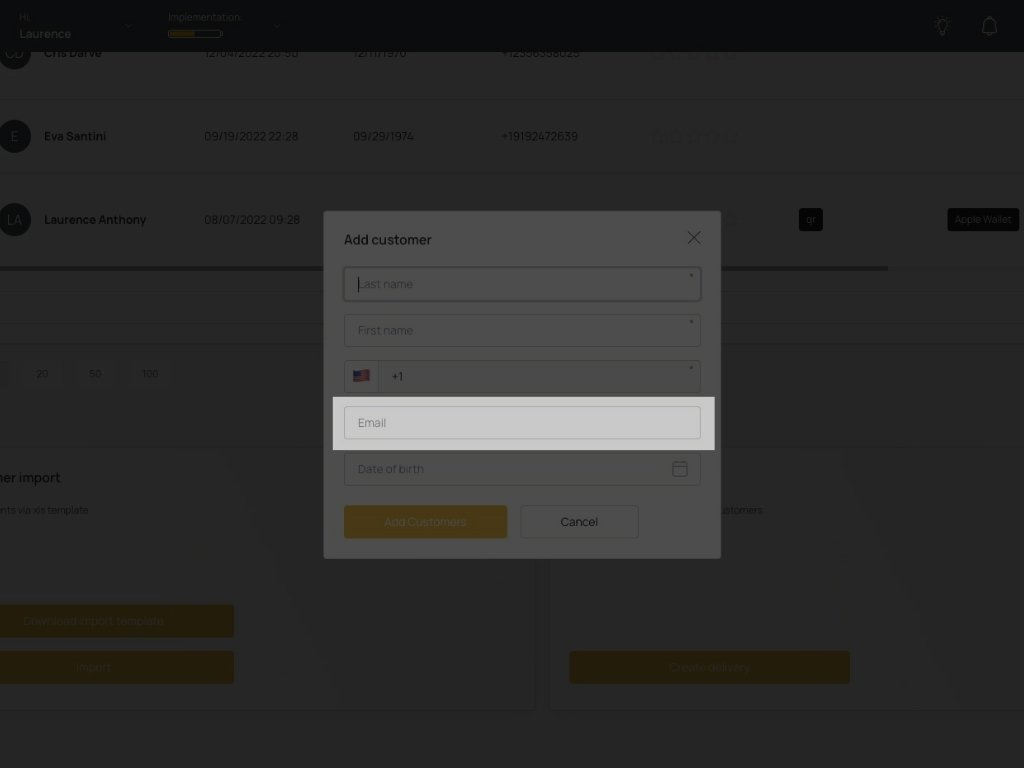
Add customer’s email address. #
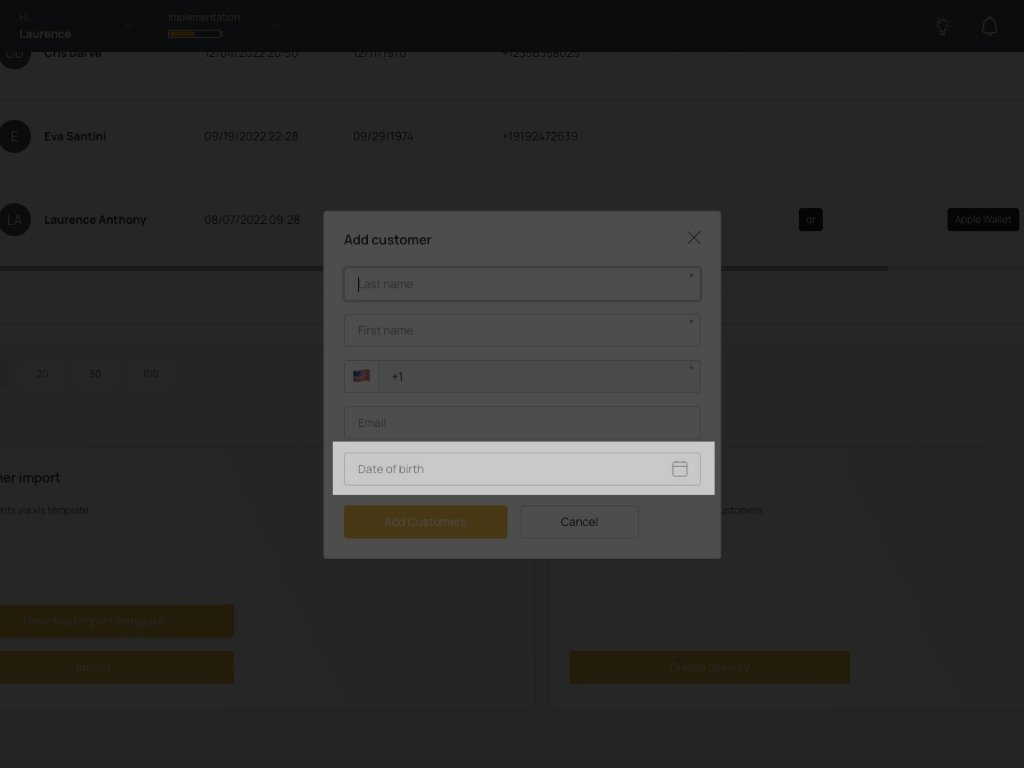
Add customer’s date of birth. This is good for setting up automated push notification for their birthday discount. #